
Apply for a job
Apply in Jobrov with your profile, or through a job's public link with only your e-mail and CV, no account needed first.
There are two ways to apply: from inside Jobrov with your profile, or through a link an employer shared (for example on WhatsApp or LinkedIn). Jobrov never asks you to pay to apply. Report any job that does: see Getting help.
Apply from Jobrov
- Open a job from Jobs or your home page.
- Read Why you fit to see how your CV matches the requirements.
- Choose Apply now.
- Jobrov asks you to confirm that you want to send your profile and CV to the employer. Confirm to send it.
You see Your application was sent. The employer sees your profile and CV, nothing else. You need an uploaded CV to apply this way.
Apply through a job link
Employers can share a link to a job page. You can apply there without signing in first.
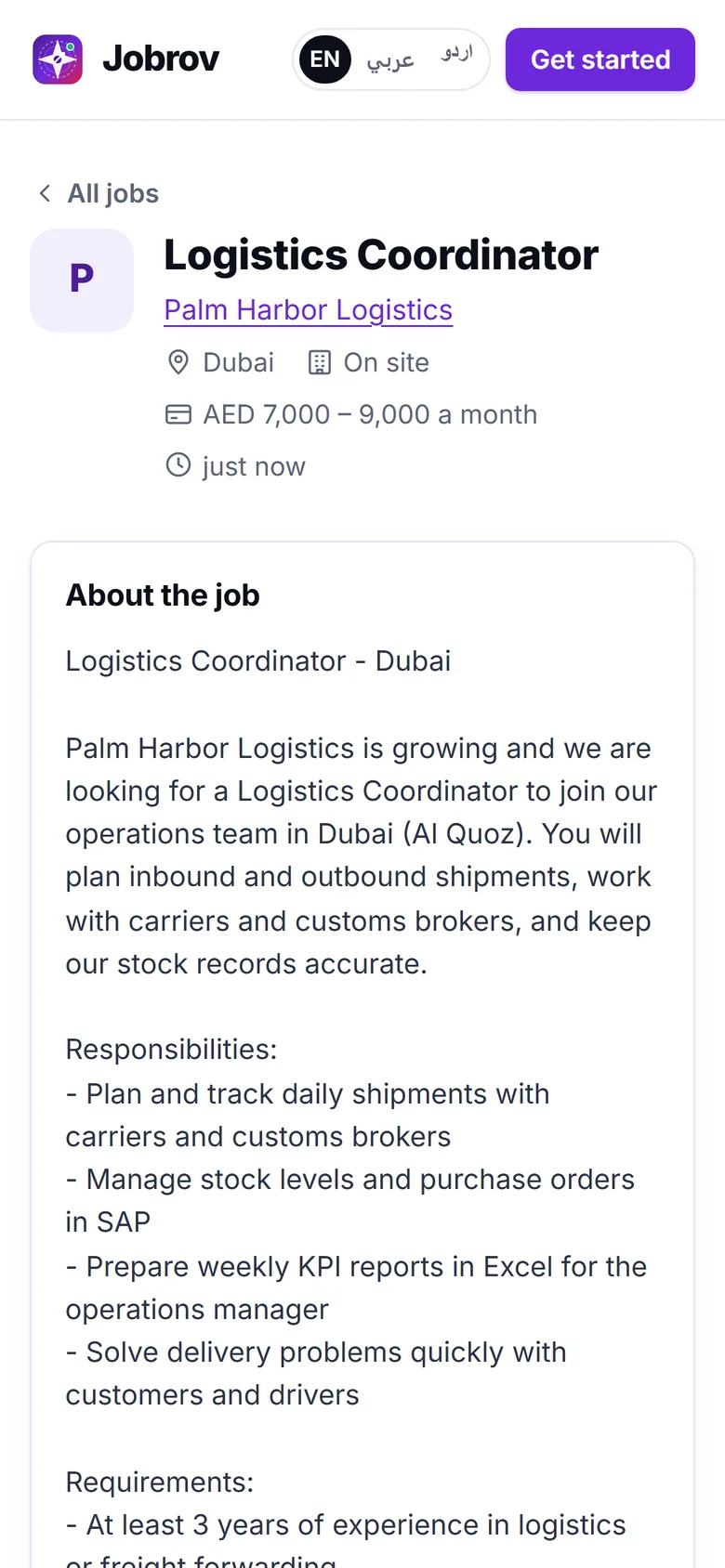
- Open the link and choose Apply.
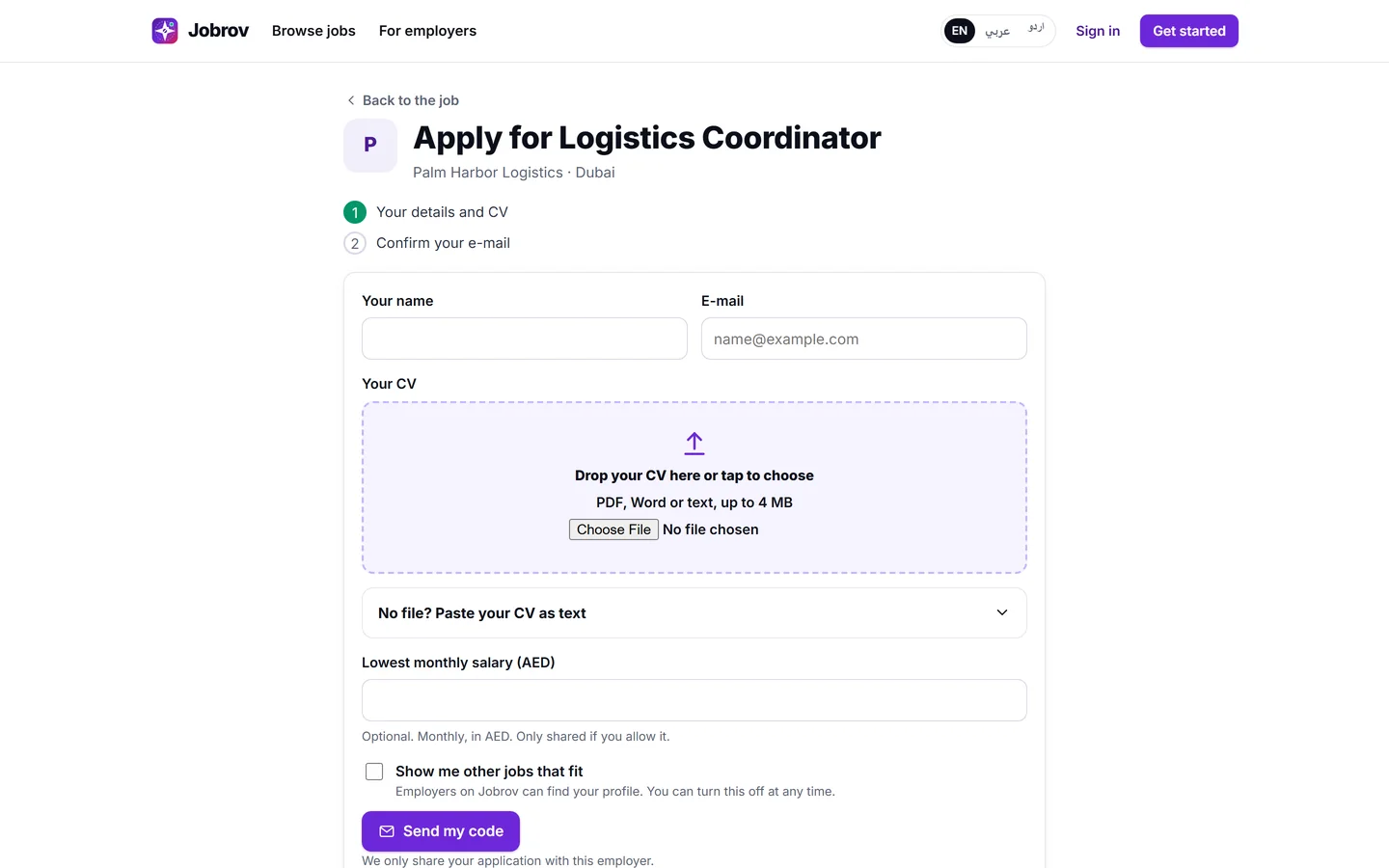
- Fill in Your details and CV: your name, your e-mail and Your CV. Upload a file (PDF, Word or text, up to 4 MB), or choose No file? Paste your CV as text and paste it.
- If you like, add the lowest monthly salary you would accept. It is optional, and only shared if you allow it.
- Choose Send my code.
- We send a 6-digit code to your e-mail. Type it and choose Confirm and send.
You see Application sent. Jobrov creates a free account with your e-mail, so you can choose Sign in to follow your application and see every step on your Applications page.
If you are already signed in to Jobrov, the job page offers Apply with my profile instead. It sends your Jobrov profile and CV to the employer in one step.
An e-mail address that belongs to an employer account cannot be used to apply. Use your personal e-mail.
After you apply
Jobrov e-mails you when the employer moves your application to an interview, makes an offer, hires you or closes the application. See Applications and interviews.