
Sign up and sign in
Create your free Jobrov account with your e-mail, confirm it with a 6-digit code, and sign in with a code or an optional password.
Jobrov does not need a password. Each time you sign in, we can send a 6-digit code to your e-mail. You can also set a password if you prefer.
Create your account
- Open Create an account on Jobrov.
- Under I am, choose Looking for a job.
- Type Your name, your E-mail and your Country.
- If you want a password, type one in Password (optional). It needs at least 10 characters. You can leave it empty and always sign in with e-mail codes.
- Tick the box to agree to the Terms and Privacy notice, then choose Create my account.
- We send a 6-digit code to your e-mail. Type it on the Check your e-mail page and choose Continue.
The code works for 10 minutes. If it does not arrive, check your spam folder or choose Send a new code. If you typed your e-mail wrongly, choose Use another e-mail.
If your e-mail address looks like a typing mistake (for example gmial.com), Jobrov asks Did you mean…? and offers the corrected address. Temporary or throw-away e-mail addresses are not accepted.
If you chose a password, confirm the code in the same browser you signed up in. If you confirm it somewhere else, your account still works, but the password is not saved. Sign in with a code and use Forgot password? to set one.
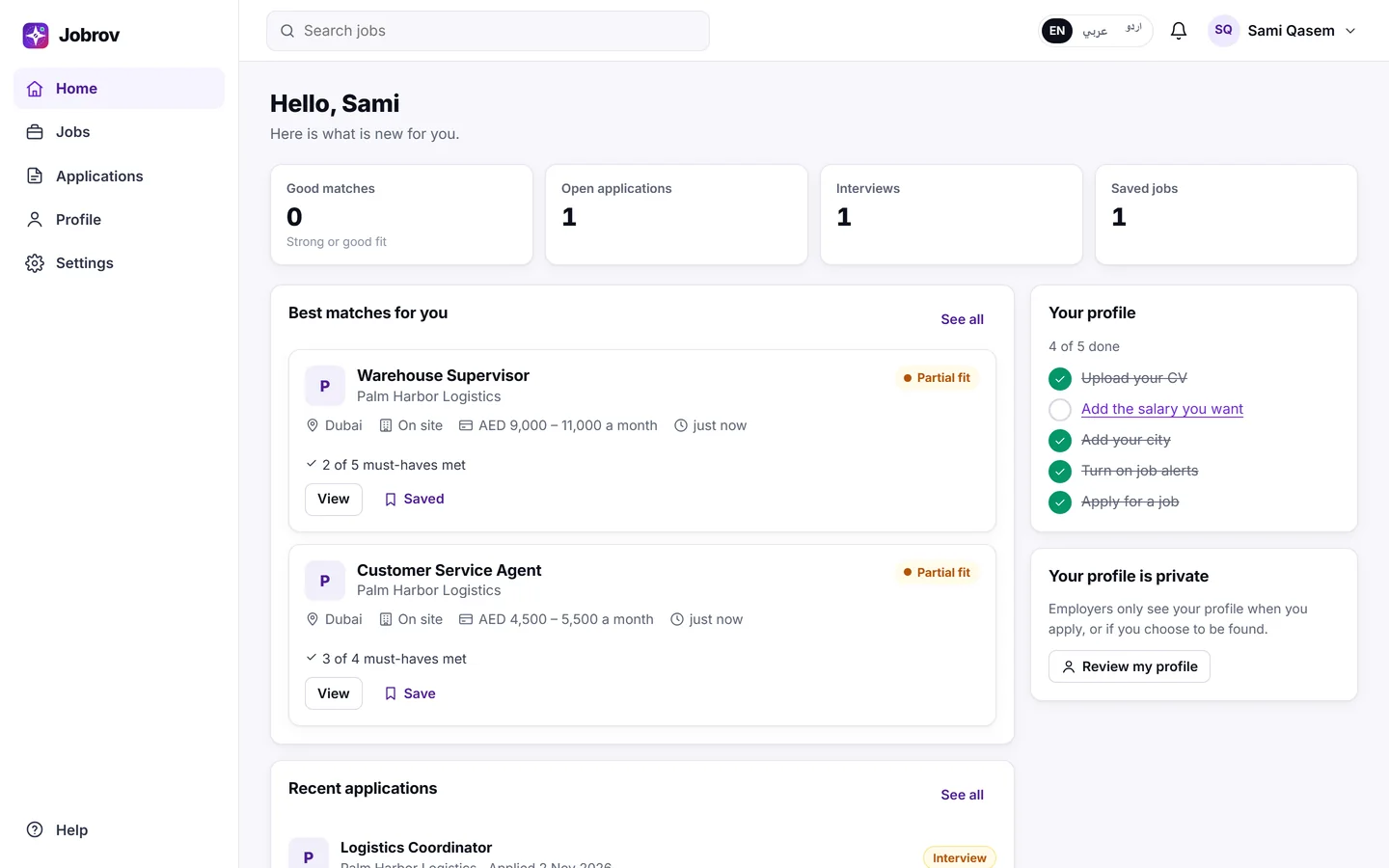
Sign in with an e-mail code
- Go to Sign in.
- Type your e-mail and choose Send me a code.
- Type the 6-digit code from the e-mail and choose Continue.
Sign in with a password
On the Sign in page, choose Use a password instead, type your e-mail and password, and choose Sign in.
After too many wrong passwords, Jobrov stops accepting the password for a while. You can still sign in at once with an e-mail code.
Forgot your password
- On the password sign-in page, choose Forgot password?.
- Type your e-mail and choose Send reset code.
- Type the code from the e-mail and your New password, then choose Save new password.
Sign out
Open the account menu at the top of the page and choose Sign out.