
Share your job
Share your job's apply link on WhatsApp or LinkedIn, print a QR code, and list all your open jobs on your own careers page.
When you publish a job, Jobrov gives you everything you need to share it. People apply from the link in about two minutes, on their phone, without creating an account first.
The share options
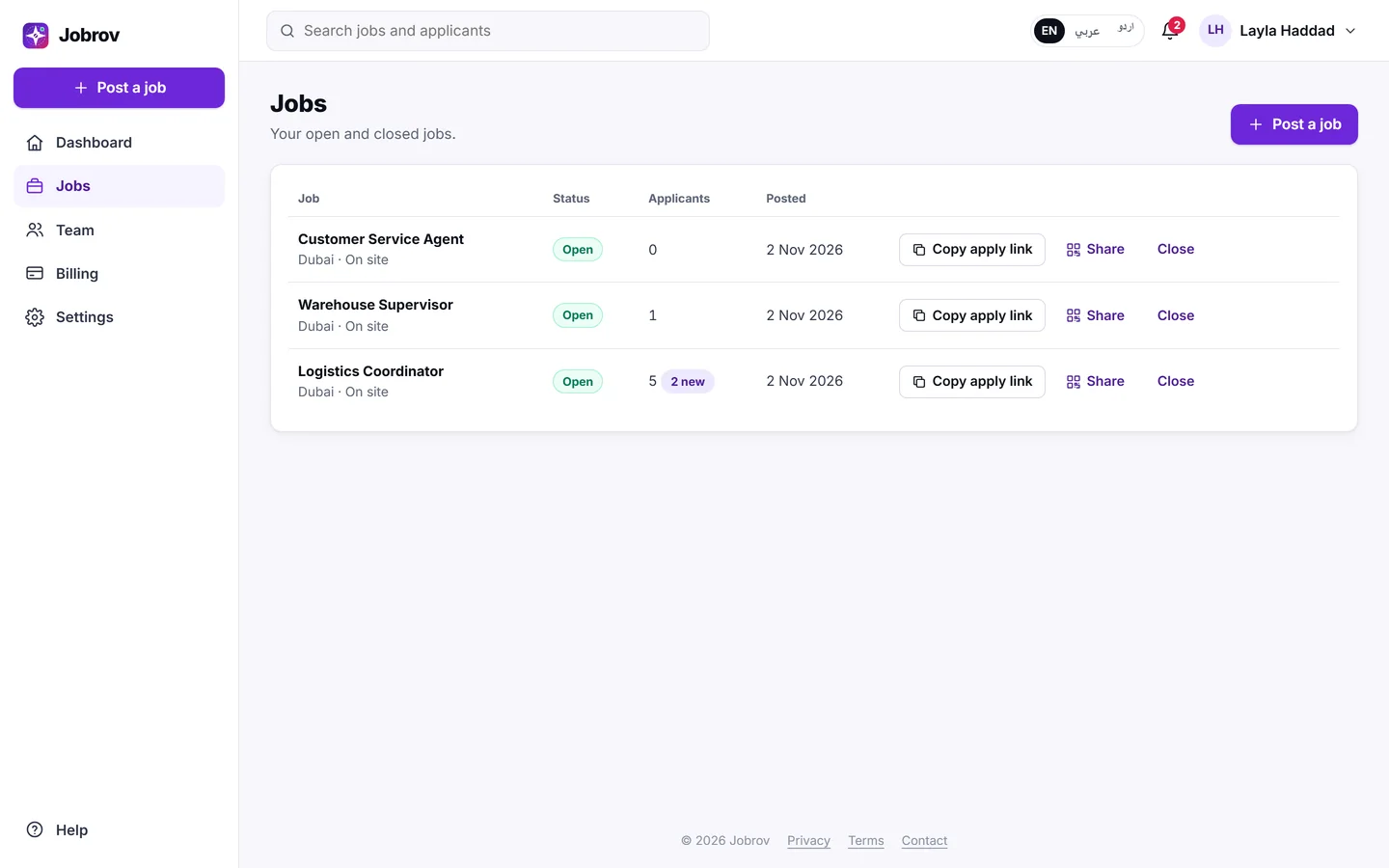
Open the job from Jobs. The Share card at the bottom of the page has:
- Apply link: the address of your public job page. Choose Copy to copy it.
- WhatsApp message: a ready-made message with the link. Choose Copy, or Open WhatsApp to send it from WhatsApp.
- LinkedIn post: a ready-made post with the link. Choose Copy, or Open LinkedIn to share it there.
- QR code: choose Download QR to save it as a picture. Print it on posters or show it at events.
You can also copy a job's apply link straight from the Jobs list with Copy apply link, or open the share card with Share.
What applicants see
The public job page shows the job title, your company, location, work type, salary (if you showed it) and the requirements, marked Must have or Nice to have. Applicants choose Apply, add their CV and confirm their e-mail with a code. See Apply for a job for their side.
Open jobs are also listed on Jobrov's job board and shown to job seekers whose CV fits.
Your careers page
Your careers page lists all your open jobs on one page. Put its link on your website or in your social media profiles.
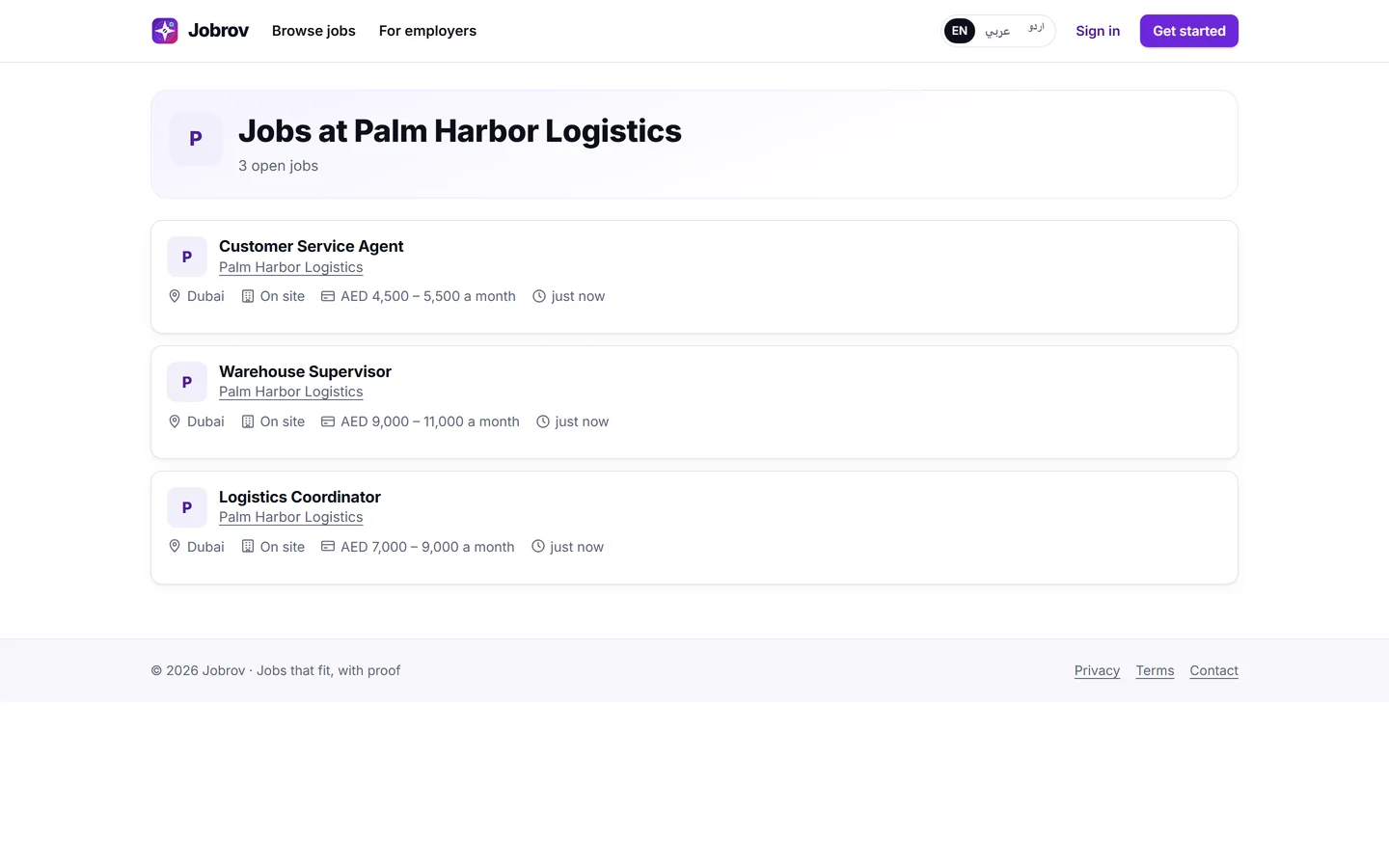
The owner or an admin can change the page's address in Settings under Careers page: use 3 to 60 letters, numbers or dashes. Old links stop working when you change it. See Company settings.
When you close a job
A closed job's public page says This job has closed, and people can no longer apply. It links to your company's other open jobs and shows similar open jobs when there are any. Choose Reopen to share it again.
Let the waiting applicants know
When you close a job, some people may still be waiting in New or Reviewed. The closed job's page then shows "5 applicants are still waiting" (with your number) and a Let them know button.
- Open the closed job from Jobs.
- Choose Let them know and confirm.
Everyone in New and Reviewed moves to Not a fit, and each gets the usual short, polite e-mail in their own language, about 10 minutes later. People in Interview or Offer are not changed. The button appears only on closed jobs.